




Rotecna
Soluciones innovadoras en equipamiento porcino
Rotecna está formada por un equipo de profesionales y expertos en el sector ganadero porcino con décadas de experiencia.
¿Qué ofrece Rotecna a los ganaderos del sector porcino?
Ofrecemos soluciones innovadoras para granjas de cerdos. Nuestro objetivo es ayudar a los ganaderos a producir animales sanos de una forma más eficiente, sostenible y rentable. Además, nuestros productos y servicios brindan y cuidan del bienestar animal de los cerdos. Fabricamos soluciones en equipamiento, sistemas de alimentación inteligentes y tratamientos de valorización de deyecciones ganaderas, entre otros. En Rotecna, estamos comprometidos con la innovación en granjas de cerdos
¡Mejore su instalación porcina con los equipamientos y soluciones de Rotecna!

Novedades
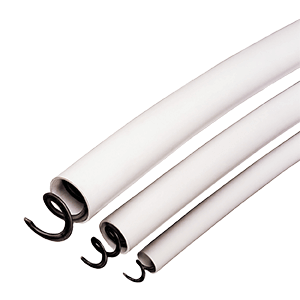
Sistema de distribución de alimento por espiral flexible
Ganaderos
“Con Dositronic M hemos conseguido un lechón más por cerda”
Daniel Pascual,
Térmens (Lleida)
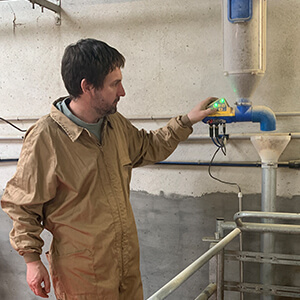 Leer la entrevista
Blog
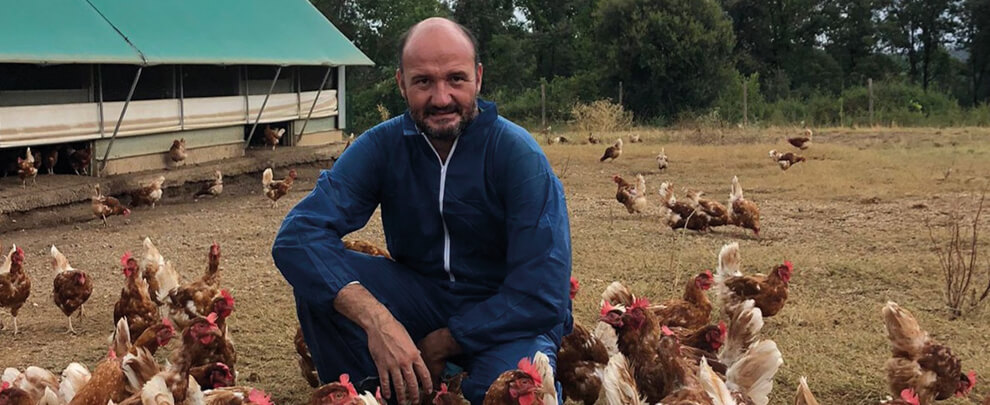
¿Cómo podemos medir y certificar el bienestar animal en las granjas?
El bienestar animal se basa en cuatro principios: una buena alimentación, un buen alojamiento, una buena salud y un comportamiento apropiado para cada especie.
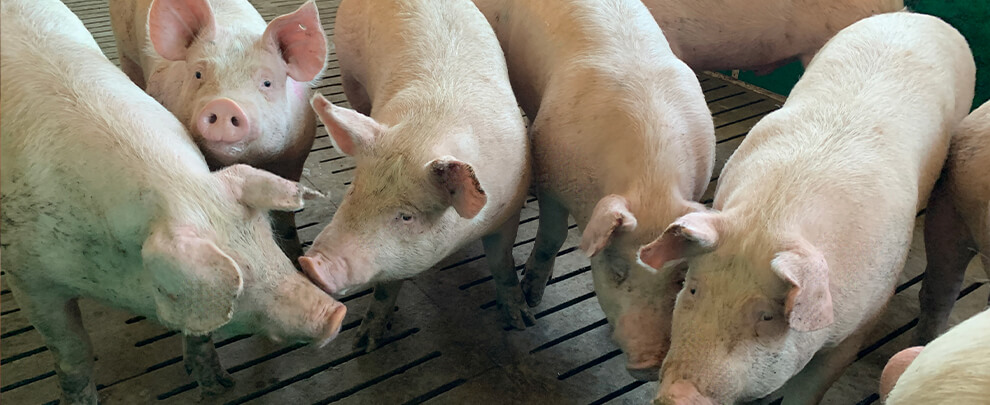
i+Porc lanza un plan estratégico de mejora reputacional
El clúster de productores de porcino español promueve un plan estratégico de comunicación para mejorar la imagen del sector porcino en la sociedad.
Innovación y experiencia
La innovación ha marcado la trayectoria de Rotecna. Esto nos consolida como la empresa líder en el sector porcino. Nuestros 30 años de experiencia trabajando con granjas de cerdos nos avalan y animan para seguir con nuestro continuo crecimiento.
Los productos y soluciones de Rotecna mejorarán su explotación ganadera porcina y su negocio.
Red de distribución
Rotecna trabaja con una extensa red de distribución internacional para que pueda encontrar todos nuestros productos y soluciones para instalaciones porcinas cerca de usted. Si su empresa quiere ayudar a sus clientes a desarrollar su modelo de negocio del sector porcino en todos los aspectos, contribuyendo a crear una empresa rentable y duradera, no dude en ponerse en contacto con nosotros.
ContáctanosTrabaja con nosotros
Rotecna es una compañía en constante crecimiento; buscamos colaboradores y talento para formar parte de nuestro equipo.
Envíanos tu CV